Your 3 biggest PDF problems
City of Temple City · https://www.templecityca.gov · scanned 2026-10-07 18:48 PT
173 of 188 PDFs (92.0%) fail basic accessibility checks
That's 930 pages residents who use screen readers can't use well. These three problems affect the most pages:
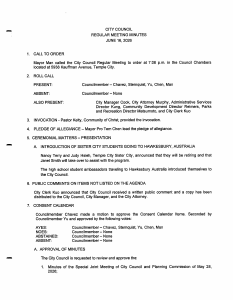
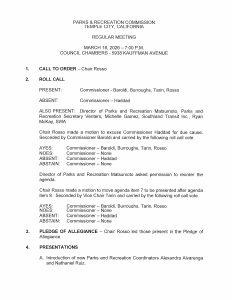
1 Scanned pages with no real text
28 PDFs, 127 pages
These files are pictures of paper. A screen reader finds nothing to read, and nobody can search or copy the text. Fix: Convert to real, proofread text (OCR), then tag the structure.
2 Files with no tags
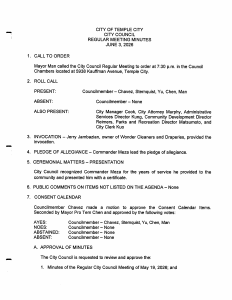
61 PDFs, 542 pages
Without tags, a screen reader can't tell headings, lists, tables or reading order apart. Long agendas become one undivided stream of words. Fix: Add tags for headings, lists, tables and reading order, and describe images.
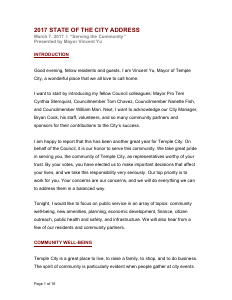
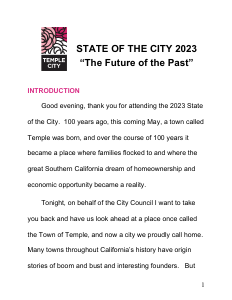 templecityca.gov/…/25305/STATE-OF-THE-CITY-2023 (32 pages)
 templecityca.gov/DocumentCenter/View/2327 (27 pages)
 templecityca.gov/DocumentCenter/View/10088 (23 pages)
3 No language set
62 PDFs, 546 pages
The screen reader guesses the language, so Spanish or Chinese text may be read aloud with English pronunciation. Fix: Set the document language, and mark any passages in other languages.
Plain estimate
Fixing all 930 pages in the failing files: about $3,855 to $4,654 at $4 to $6 per page. 111 of the failing files are already tagged and mainly need a title and settings fixed, which is quick work. Ongoing: monthly monitoring keeps new PDFs passing.
One next step
Pick the 50 pages residents use most (forms, current agendas, notices) for a fixed-price $250 pilot. You get the fixed files and a veraPDF PDF/UA-1 report for each.
Automated basic checks of the first 188 PDFs reached by a polite crawl (tags, title, language, text layer). Passing them doesn't prove full WCAG 2.1 AA / PDF/UA conformance. ADA Title II deadline: April 26, 2027 for public entities of 50,000+; April 26, 2028 for smaller ones and special districts. Report generated October 11, 2026.